From card to client in a few hours minutes.
2000 photos from the match, 400 delivered. Minkrop picks from every burst, crops and straightens; you decide what goes to the client.
Launch: 16 October 2026, 12:00 Romania time.
Free on Windows and Mac. Sign up with your email and download from your account.
- Cull
- Crop
- Straighten
- Review
- Export
 DSC_0044
 DSC_0045
 −2.53°
 DSC_0046
 DSC_0047
 DSC_4795
 DSC_4796
 +0.86°
 DSC_4797
 +0.54°
 DSC_4798
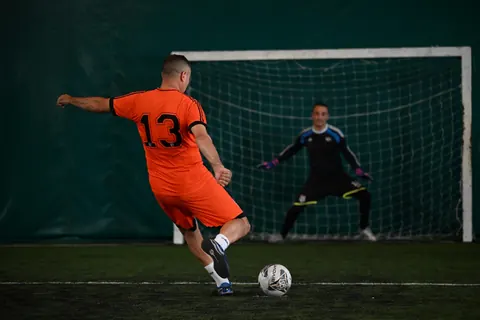 DSC_4785
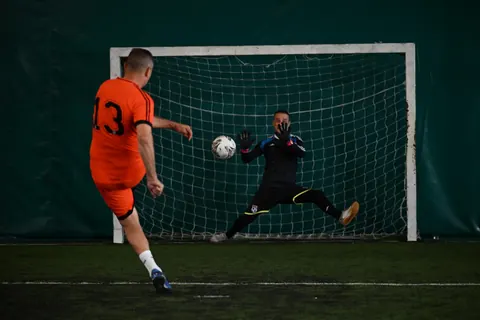 −0.46°
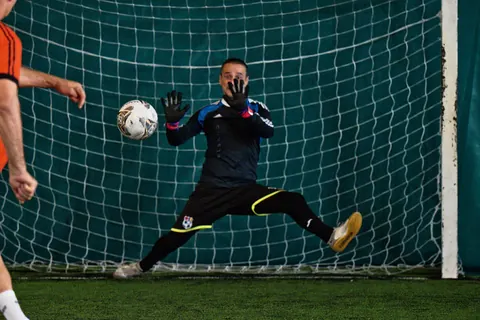 DSC_4786
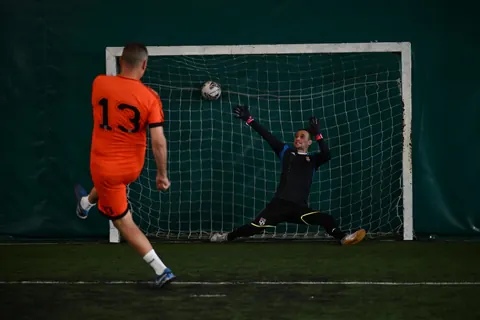 −0.98°
 DSC_4787
 DSC_4788

AI sees. The algorithm proposes. You decide.
AI sees
It finds the players, the ball, closed eyes and smiles in every frame.
The algorithm proposes
It groups the bursts, drops the duplicates, picks the best frame of each and crops and straightens it.
You decide
Keep, drop or fix. Only what you choose goes to the client.
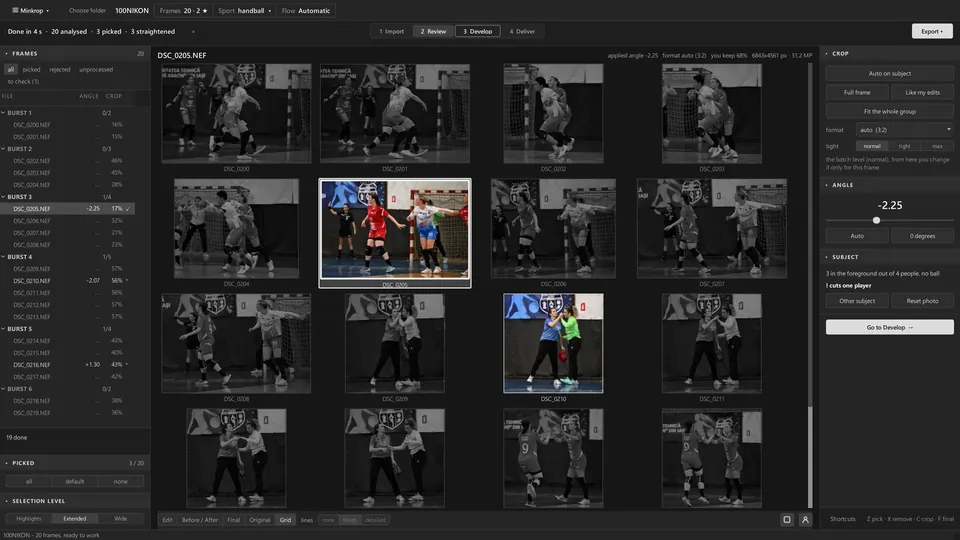
Crop and straightening, proposed automatically.
Women's handball. The angle and the crop are exactly what Minkrop proposed.


Angle −2.25°, 3:2, keeps 68% of the frame
What the client gets.
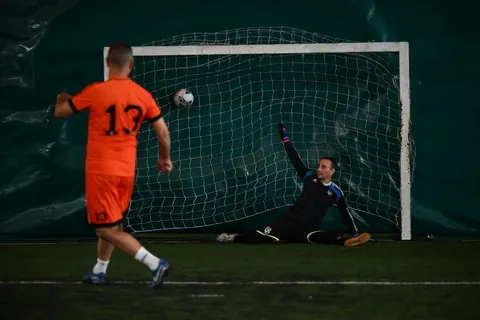
Photos Silviu Butnarașu delivered at real matches, across five sports.

Volleyball 
Football 
Basketball 
Tennis 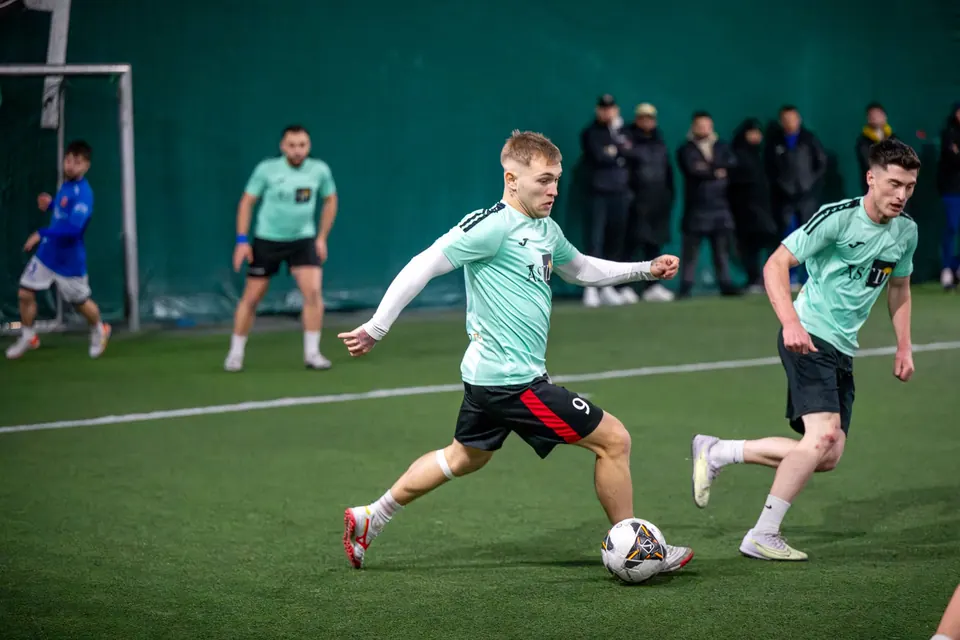
Minifootball 
Volleyball 
Football 
Basketball 
Tennis 
Minifootball
Four steps, from card to client.
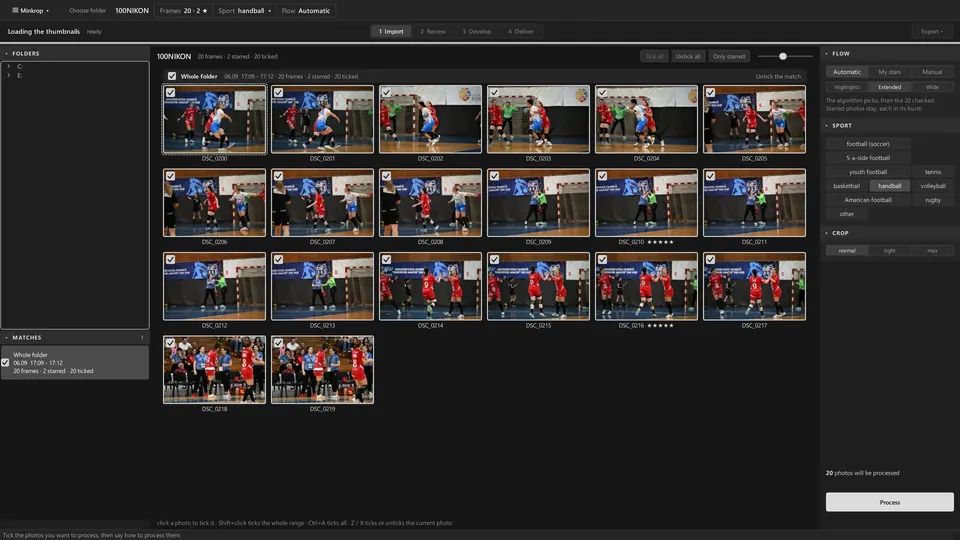
Open the card
Pick the match and how you work: Minkrop picks, your camera stars pick, or you pick by hand.
3 ways to pick
See what it picked
The best frames of every burst, already cropped and straight. Keep them, drop them or fix them.
Highlights, Extended, Wide
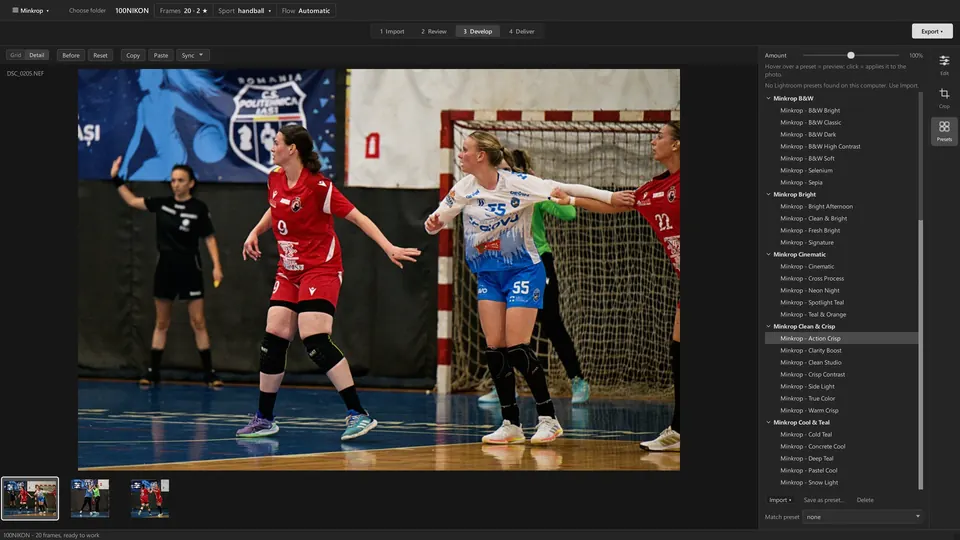
Add your look
One of 90 presets, or your own from Lightroom. Copy it to the whole match in one go.
90 presets
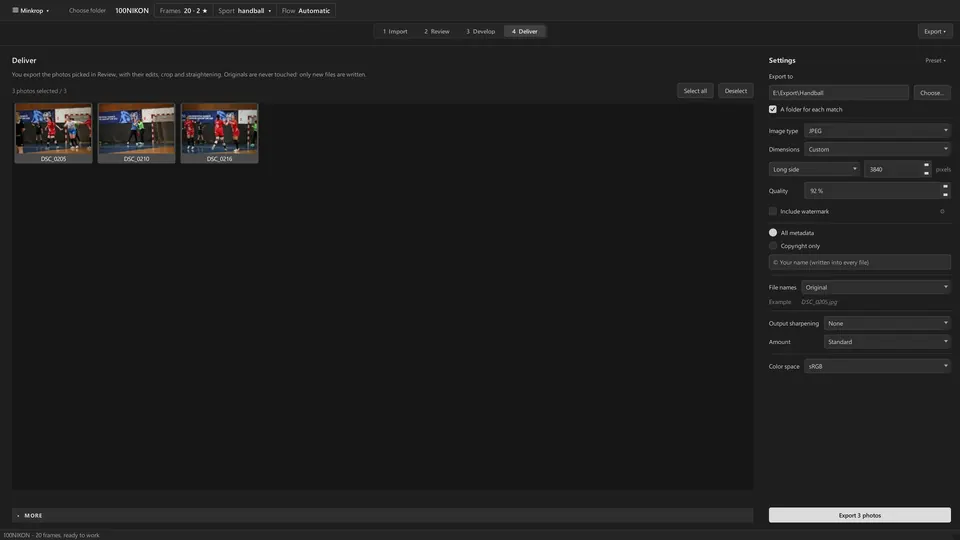
Send it to the client
Finished photos, edited, cropped and straight, in the folder you choose. Or finish in Lightroom.
ready to deliver
Measured on a real match.
- 1,050 photos culled
- under 2 min
- A preset on 200 photos
- 11 s
- 200 finished photos exported
- under 1 min
Measured by us in October 2026 on a Windows PC (Ryzen 7 7800X3D, RTX 3060) with Nikon Z 8 RAW files; export timed after Develop had prepared the photos. The 15 minutes: 2000 NEF imported and culled, 400 prepared, preset applied, exported as 2048 px JPEG; not counting the time you spend looking. Yours may differ.
Your photos stay yours.
You pick the photos
No AI decides for you.
Originals stay untouched
Minkrop only writes new files.
Your photos stay on your computer
Your photos are never uploaded.
Works with Lightroom
Bring your presets, or send the photos to Lightroom when you’re done.
Windows and Mac
In 9 languages, with updates inside the app. Free.

Built by a sports photographer.
Silviu Butnarașu has taken 1.4 million photos in 2 years, across several sports: football, minifootball, handball, basketball, volleyball. Minkrop does what he did by hand after every match, in the same order, only faster.
Read the full storyWhere it goes from here.
Now2.3.0
Culling, crop, straightening, editing with presets and final JPEG export.
NowMobile
Quick delivery from your phone: auto crop and straightening, presets, export. Free on the App Store and Google Play.
NextCloud
A cloud gallery, to deliver to clients faster.
Every update of the app is free. See the full roadmap
Launching 16 October.
Available now
Download Minkrop freeWaitlist
Questions, answered
Does it work on Mac and Windows?
Yes: Windows 10 and 11, and macOS.
Do I need Lightroom?
No. Minkrop delivers finished photos on its own; if you finish in Lightroom, it sends them there with the crop and the angle.
Do my photos leave my computer?
No. Everything runs on your computer and no photo is uploaded.
Does an AI pick my photos?
No. You pick the photos. No AI decides for you.
Do I need Adobe DNG Converter?
To edit RAW files, yes. It is free, and Minkrop installs it from Adobe after you accept Adobe’s terms.
Is Minkrop free?
Yes, both the desktop app (Windows and Mac) and the mobile app. In exchange, the desktop app sends usage data linked to your account: after each exported batch, how many photos were imported and exported and how long each step took, your computer’s configuration (processor, graphics card, memory, system version) and the app version. Never your photos, file names or location. Read the privacy notice
How fast is it on my computer?
Settings › Speed tests it on your own photos. On our PC, 1,050 photos are culled in under 2 minutes.

Spend your time shooting, not cropping.
Join the waitlistWindows and Mac, 9 languages, works with Lightroom.